
Purpose-built for the work
The four things every other safety app gets wrong.
WorkSafe was built by people who spent years watching safety software live in a silo, disconnected from the operations platforms crews actually use.
One unified platform
Safety and operations share the same projects, sites, employees, and equipment. No second roster. No export/import step. No drift.
Accountability at every stage
Every phase becomes an owned, dated, trackable task — pushed into WorkSkedge so ops managers and workers see safety alongside their normal work.
Built for the field
Mobile-first PWA with full offline mode, QR sign-in, geolocation-aware attendance, and a 1-tap emergency dashboard.
Audit-ready compliance
Ships with the artifacts a COR/SECOR audit expects. Configurable hazards, controls, forms, permits, and per-company incident classification.
The safety program, digitized end-to-end.
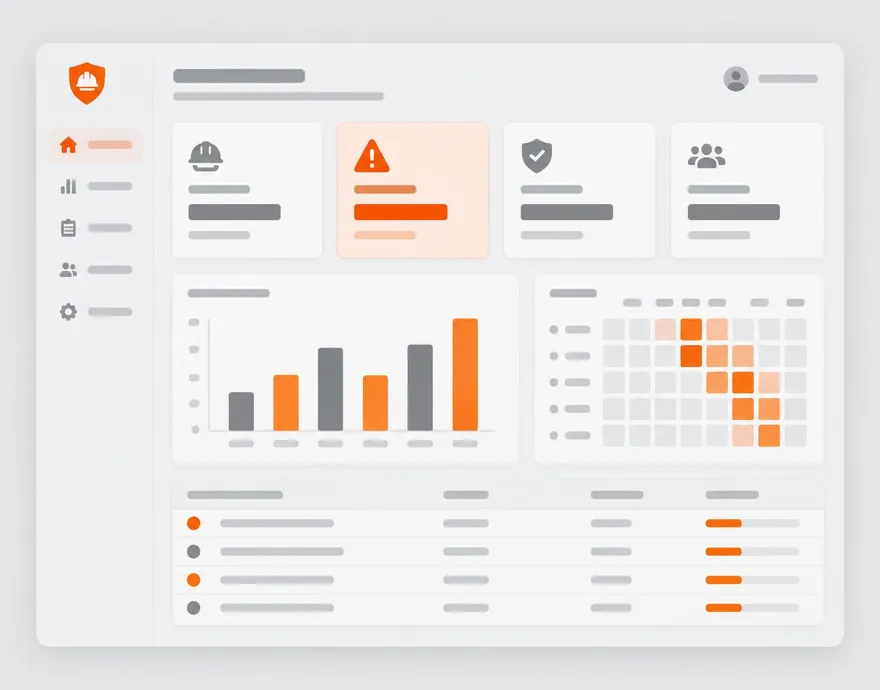
Advanced FLHAs
Per-task hazard × control matrix, standing site hazards, nested permits for high-risk work, PDF delivery.
Incident management
Per-company classification, WCB-reportable flagging, notification engine, corrective actions with deep-link evidence.
Certifications & skills
Cert matrix, expiry alerts, project cert requirements, sign-in enforcement, subcontractor compliance library.
Site inspections
Scheduled inspections, pre-use forms, safety meetings with attendance, hazard heat-map reporting.
How a WorkSafe day actually runs.
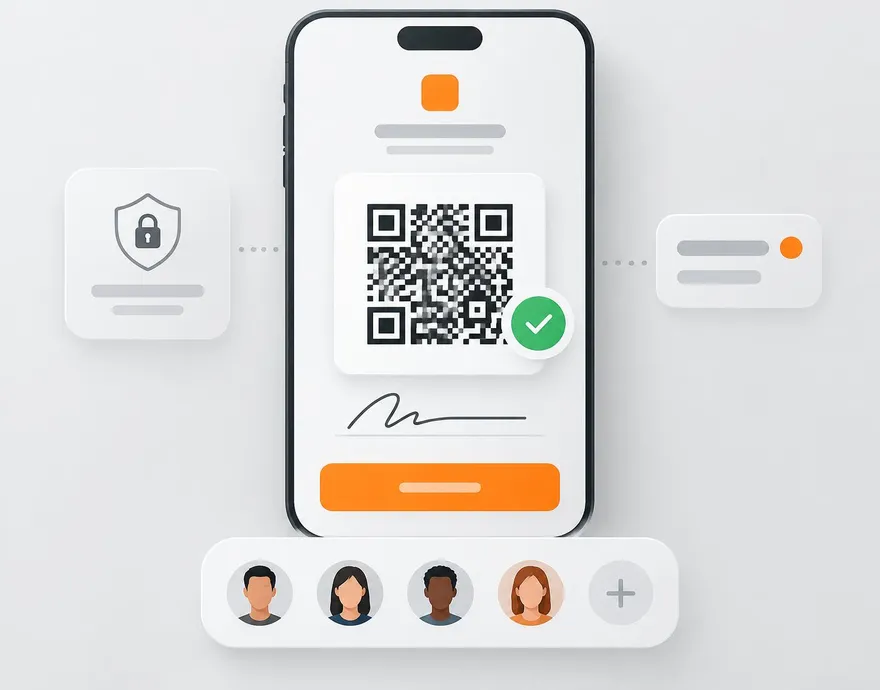
The daily FLHA is the heartbeat of a jobsite. WorkSafe turns it into a 30-second QR sign-in for workers and a closed loop for site leads — with the audit trail generated as a byproduct, not a chore.
How the FLHA worksUnder 30 seconds from scanning the QR to being signed in on site.
- 107:00
Site lead creates the FLHA
Standing hazards, safety rep, and required certs pre-populate. Add today's activities; controls auto-load from the catalog.
- 207:15
Workers scan the QR
Fuzzy name search, expired-cert alert to the lead in real time, standing + activity hazards reviewed, signature captured with GPS.
- 3During the day
Controls get done
Assigned controls appear in each worker's My Tasks. Mark complete with optional photo evidence. Completions roll up to the lead.
- 4End of day
FLHA closes automatically
Lead confirms controls. FLHA PDF emails on schedule. The safety rep's WorkSkedge daily task auto-completes.
Nothing falls through the cracks.
In most safety programs, follow-ups die in a notebook. In WorkSafe, every event becomes a task with a name and a date on it — and it stays open until someone with authority closes it.
- 01
Something happens
An incident is reported, an inspection item fails, a high-risk hazard is flagged, a form is assigned, a control needs doing.
- 02
It becomes an owned task
Every follow-up gets a named owner, a due date, a priority from the risk matrix, and an evidence requirement. Nothing lives in someone's head or on a whiteboard.
- 03
It's pushed to the person
The task lands in the worker's My Tasks list and their WorkSkedge inbox — the same place they already check for their day's work — with a deep link straight to the action.
- 04
It's closed with authority
Completion requires the evidence. Final closure requires an admin, safety manager, or project lead — the person doing the work never signs off on their own fix. Overdue items surface to leads automatically.
 +
+
Runs on top of WorkSkedge.
Projects, employees, equipment, and sites sync live. Safety tasks land in the same inbox crews already work from — no second system to babysit.
Real company. Real accountability. No anonymous software.
You're trusting this platform with your safety record — the documents regulators and auditors will ask for by name. Here's exactly who you're trusting.
Built by WorkSkedge
WorkSafe is developed and operated by WorkSkedge, the operations platform it installs into. One company stands behind both systems.
Learn about WorkSkedgeYour data stays yours
Every company's data is fully separated from every other company's, access is role-based, and your records remain exportable. Details are in the privacy policy.
Read the privacy policyDesigned for real audits
Reports and the audit package export are built around what COR and SECOR auditors actually request — FLHA logs, cert matrices, meeting attendance, and corrective-action status.
Want to talk to a company already running WorkSafe? Ask for a reference call on your demo — we're happy to connect you.
Ready to see WorkSafe on your own projects?
A 30-minute demo walks through the daily FLHA, incident flow, and how WorkSafe connects to WorkSkedge — with your project structure, not a canned tour.