

Site inspections are periodic safety audits of a project site — separate from the daily FLHA. WorkSafe ships with configurable templates, cadence-based scheduling, in-app inspection completion with photo evidence, and compliance reporting that shows exactly where you're on-plan and where you're behind.
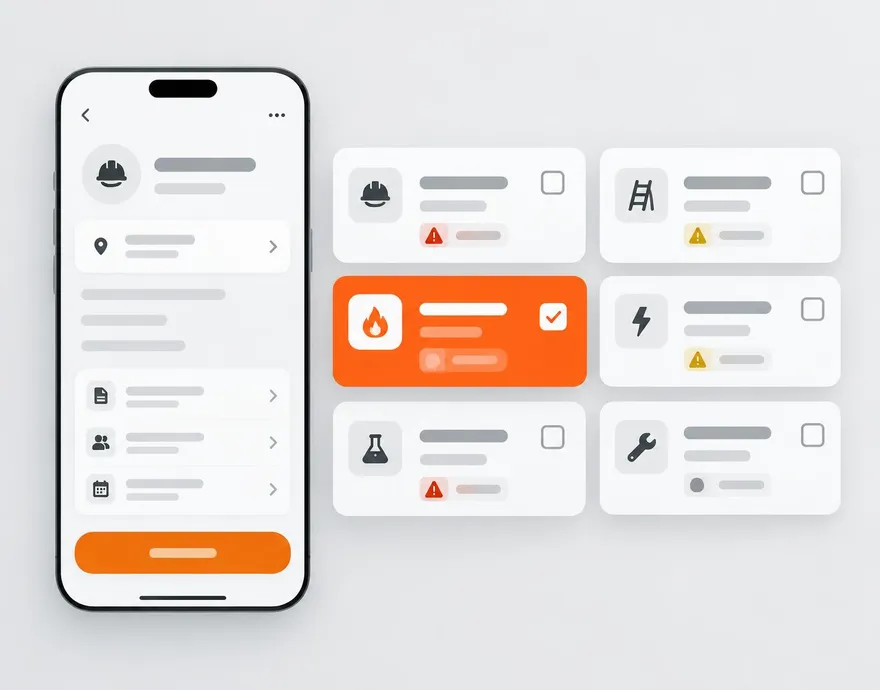
Everything included.
Configurable templates
One default template per company, editable via Customize template. Add sections, questions, pass/fail/N-A, photo requirements.
Cadence-based scheduling
Set weekly, bi-weekly, or monthly per project. Missed inspections surface on the project summary and compliance report.
In-app completion
Inspector opens the template, walks the site, marks each item, and captures required photos — all offline-capable.
Fail-to-CA promotion
Any Fail item can be promoted to a corrective action in one tap, inheriting priority from the risk matrix.
Cross-project global view
The Site Inspections page lists every inspection across every project with date, inspector, and pass rate.
Equipment pre-use forms
Per-equipment schemas built in the Form Builder. Auto-assign from WorkSkedge bookings; Fail → LOTO on severity.
Safety meetings
Rolling schedule with QR sign-in, attendance reporting, and action items that promote to corrective actions.
Compliance reporting
The Site Inspection Compliance report shows on-plan vs. behind by project, cadence, and inspector.
Stable site references
Inspections use the WorkSkedge location ID — findings always tie back to the correct work order.
The workflow, end to end.
- 1Set-up
Pick cadence per project
Weekly, bi-weekly, or monthly. The rolling schedule generates and the project owner sees it in their WorkSkedge inbox.
- 2Inspection day
Walk and record
Inspector opens the template, marks each item pass/fail/N-A, captures photos where required, works fully offline if needed.
- 3Fail items
Promote to CAs
One tap turns any Fail into a corrective action with owner, due date, and photo evidence requirement.
- 4Reporting
Compliance visibility
The Site Inspection Compliance report shows on-plan status by project; missed inspections surface until closed.
 WorkSkedge integration
How it connects to your operations platform.
- Inspection sites use the stable WorkSkedge location ID.
- Follow-up corrective actions push to the assignee's WorkSkedge task inbox.
- Equipment pre-use forms read the live WorkSkedge asset list — always current state.
- Safety meetings appear on the WorkSkedge calendar and land in the assigned lead's inbox.
See this on your own project.
A 30-minute demo walks through your workflow with your project structure — not a canned tour.