

Every regulated safety program requires a daily documented hazard assessment tied to the specific activities, site conditions, and workers on-site that day. WorkSafe makes this a 30-second sign-in for workers and a structured, defensible artifact for auditors.
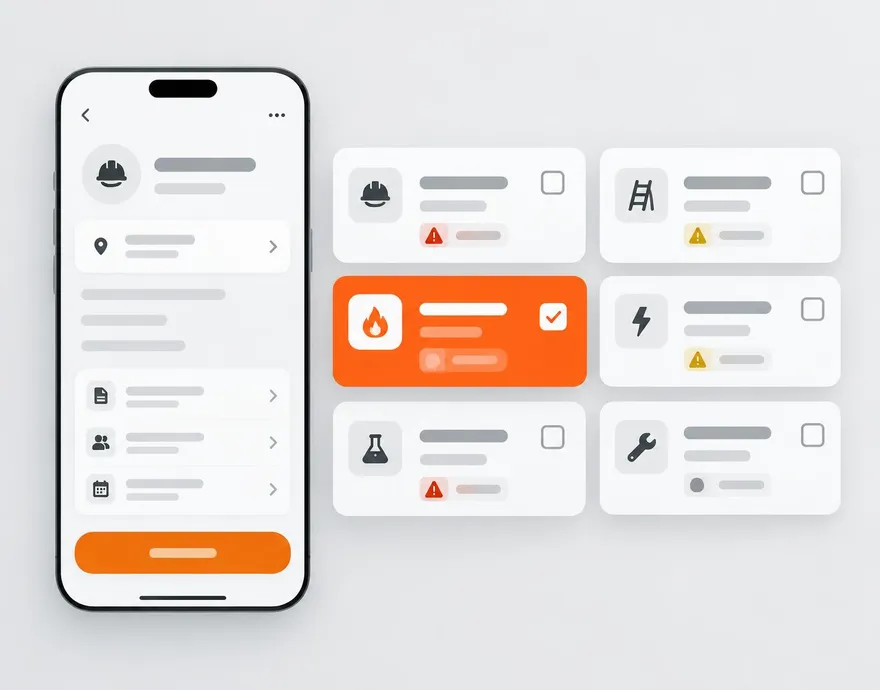
Everything included.
Per-task hazard × control matrix
Repeating task cards where each task carries its own fields, hazards from your catalog, and auto-loaded required controls.
Standing hazards injection
Site-plan standing hazards are injected into every daily FLHA as mandatory warnings — the lead can't remove them.
Nested permits
Confined space entry, hot work, working at heights, excavation, and hoisting permits auto-activate on matching hazards and block submission until they're done.
Check or assign controls
Each required control is either checked by the lead or assigned to a specific worker — mutually exclusive and tracked.
QR worker sign-in
Workers scan a printable site QR, fuzzy-match their name, review hazards, and sign — with GPS captured.
Real-time cert validation
Matched employees have their certifications validated at sign-in; expired certs alert the lead instantly.
Duplicate prevention
Two FLHAs can never be opened for the same site on the same day — duplicates are blocked automatically.
Scheduled PDF delivery
Signed and closed FLHAs can be emailed as PDF at a per-project scheduled time — no manual export step.
Walled-off by company
The public sign-in URL only shows this site's roster and hazards — each company's data stays separate from every other.
The workflow, end to end.
- 107:00 — Site lead
Create today's FLHA
Standing hazards, safety rep, and required certs pre-populate. Add today's activities; controls auto-load from the catalog.
- 207:15 — Workers
Scan the QR and sign in
Fuzzy name search, expired-cert alert to the lead, review of standing + activity hazards, signature captured with GPS.
- 3During the day
Controls get worked
Assigned controls appear in each worker's My Tasks with optional photo evidence. Completions roll up to the lead.
- 4End of day
Close and deliver
Lead confirms controls. FLHA PDF emails on schedule. The safety rep's WorkSkedge daily task auto-completes.
 WorkSkedge integration
How it connects to your operations platform.
- Daily FLHA task on the safety rep is created and completed via WorkSkedge tasks.
- Worker sign-in completes their 'Sign today's FLHA' WorkSkedge task.
- Auto-schedule crew (optional) creates WorkSkedge custom bookings — dedup'd against existing schedules.
- Signed FLHAs delivered as PDF on the project's scheduled cadence.
See this on your own project.
A 30-minute demo walks through your workflow with your project structure — not a canned tour.