

WorkSafe covers the full incident lifecycle — reporting from the field, per-company classification, WCB-reportable escalation, corrective actions with restricted closure, and audit-ready reporting. No paper log book, no missed escalations, no orphaned follow-ups.
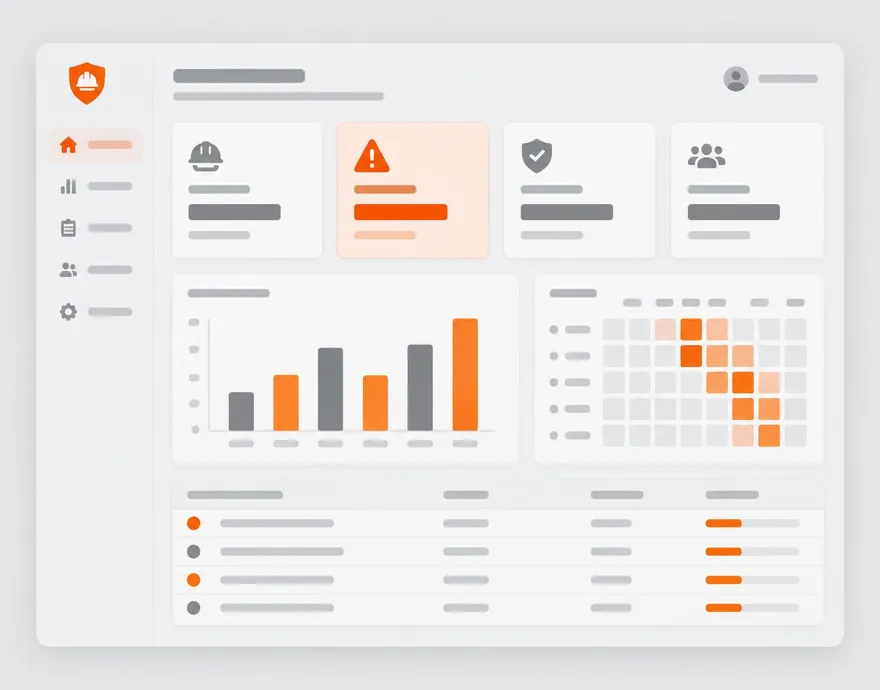
Everything included.
Field-first reporting
Any user can open Report Incident from the header, project page, or QR portal. Two-minute mobile flow with photos.
Per-company classifications
First Aid, Medical Aid, Lost Time, Near Miss, Property Damage, Environmental — rename, add, or disable as your program evolves.
WCB-reportable flagging
The reportable flag triggers email alerts, a safety-manager WorkSkedge task, and a visible badge until the claim is closed.
Notification engine
Per-company routing sends the right event to the right people via email + WorkSkedge task with deep links.
Corrective actions
Owner, due date, priority from the risk matrix, photo evidence requirement — every CA closes the loop.
Photo evidence gates
Fail-severity CAs with required photos can't close without an uploaded image. No paper-trail shortcuts.
Restricted closure
Final CA closure is limited to admins, safety managers, or the project lead — the assignee can't self-close.
Scoped visibility
Workers see incidents and CAs they're involved in. Leads see everything on their projects. Managers see everything.
Emergency dashboard
1-tap 911, nearest hospital, muster point, and live muster roster on every active project.
The workflow, end to end.
- 1Minute 0
Report from anywhere
Header button, project page, or QR portal. Type, severity, injured party, witnesses, location, description, photos, WCB flag.
- 2Minute 1
Notifications dispatch
The notification engine routes email + WorkSkedge tasks per your company config. Reportable events escalate to the safety manager.
- 3Hours to days
Corrective actions get worked
Each CA lands in the assignee's My Tasks and WorkSkedge inbox. Photo evidence uploads, mark complete.
- 4Closure
Manager closes with signature
Admin, safety manager, or project lead reviews evidence and closes. The Corrective Action Tracker report shows the audit trail.
 WorkSkedge integration
How it connects to your operations platform.
- Notifications push through to WorkSkedge tasks with deep links back into WorkSafe.
- CA assignments land in the assignee's WorkSkedge task inbox.
- Severe incidents default to both email and WorkSkedge task; routine events default to task-only.
- Inactive employees are excluded from the assignee picker automatically after a failed push.
See this on your own project.
A 30-minute demo walks through your workflow with your project structure — not a canned tour.