
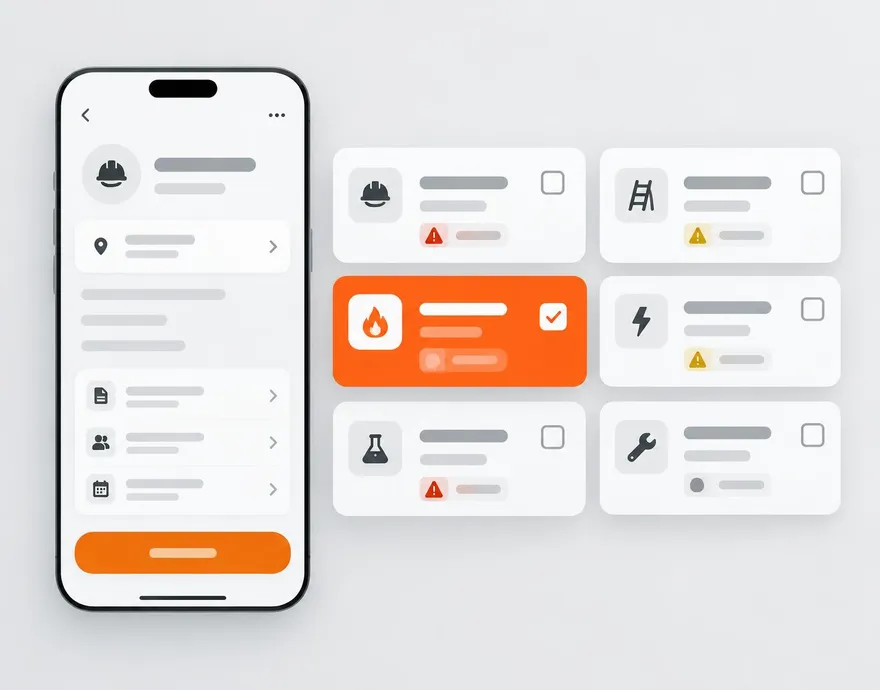
High-risk activities aren't made safe by a checkbox. Select a gateway hazard on the daily FLHA — working in a confined space, hot work, working at heights — and WorkSafe raises the matching permit as a required task with the fields, checks, and dual sign-off regulators expect.
Everything included.
Auto-triggered
Pick the gateway hazard and the permit appears as a required task. No one has to remember which permit applies.
Purpose-built forms
Atmospheric checks, isolation steps, rescue plans, shoring details, lift capacity — each permit has the sections its standard requires.
Blocks closure
The FLHA cannot be submitted while a linked permit is still open. The gate is in the app, not the honour system.
Issuer and receiver sign
Both signatures are captured inline and roll into the FLHA PDF.
Consistent everywhere
Permit definitions are standardized company-wide so a hot work permit means the same thing on every project.
Equipment is trigger-only
Mobile equipment hazards raise no separate permit form — they require the linked pre-use inspection on the FLHA instead.
Risk scored once
Severity, probability, and residual risk live on the FLHA itself, so nobody rates the same hazard twice.
 WorkSkedge integration
How it connects to your operations platform.
- Permit completion status shows on the WorkSkedge project badge alongside the daily FLHA.
- Open permits appear as tasks in the assignee's WorkSkedge inbox.
See this on your own project.
A 30-minute demo walks through your workflow with your project structure — not a canned tour.