
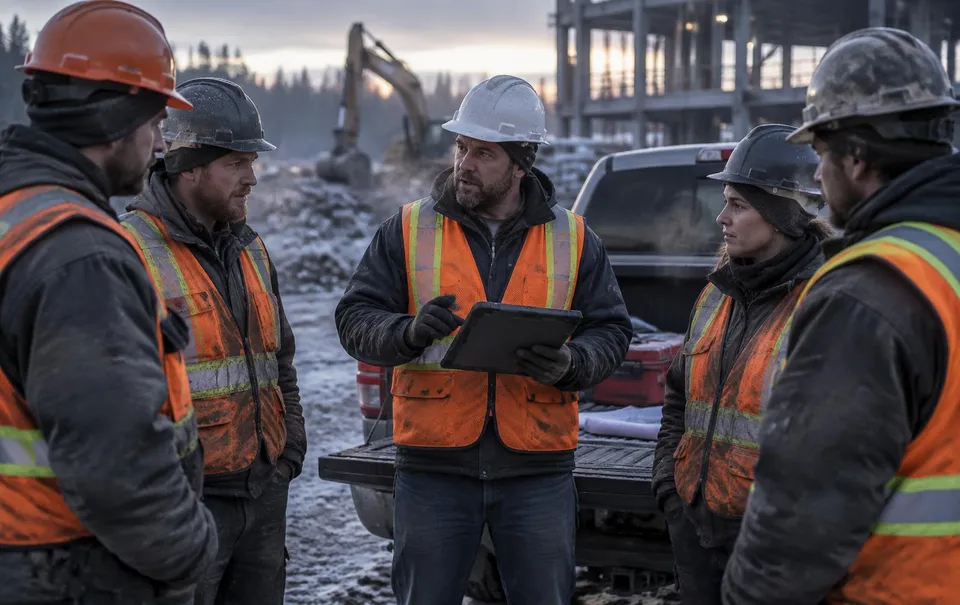
Big jobs split into crew areas with genuinely different hazards. Forcing them onto one FLHA hides real risk; duplicating the project breaks reporting. WorkSafe runs one FLHA per crew area per day, and rolls all of them up to the same project.
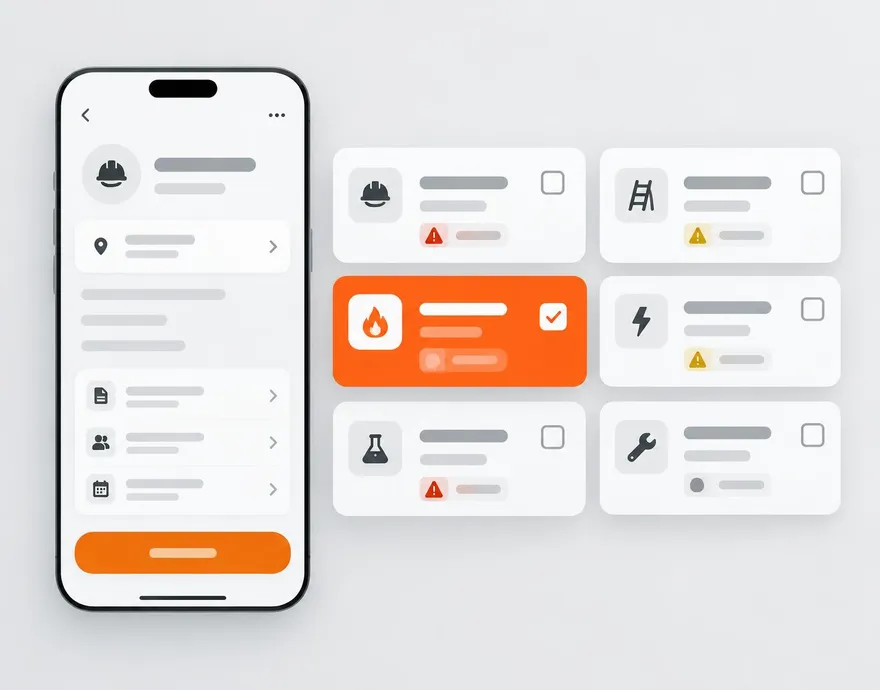
Everything included.
One FLHA per crew area
Each area has its own muster point, hospital, standing conditions, safety rep, and foreman.
Duplicate-proof
One active FLHA per area per day is enforced automatically — a second attempt gets a clear message, not a mess.
One QR, right area
With one FLHA open, scanning goes straight to it. With several, the worker picks their crew area first.
Anyone can start one
Any company member — site workers included — can create the day's FLHA, and the creator is recorded on the form.
Close them together
Close today's FLHA closes every open area, each gated on its own outstanding controls, permits, and forms.
 WorkSkedge integration
How it connects to your operations platform.
- Each area's safety rep gets that area's daily FLHA reminder task, titled with the area name.
- Crew changes re-dispatch that area's sign-in tasks; workers who already signed are left alone.
See this on your own project.
A 30-minute demo walks through your workflow with your project structure — not a canned tour.