
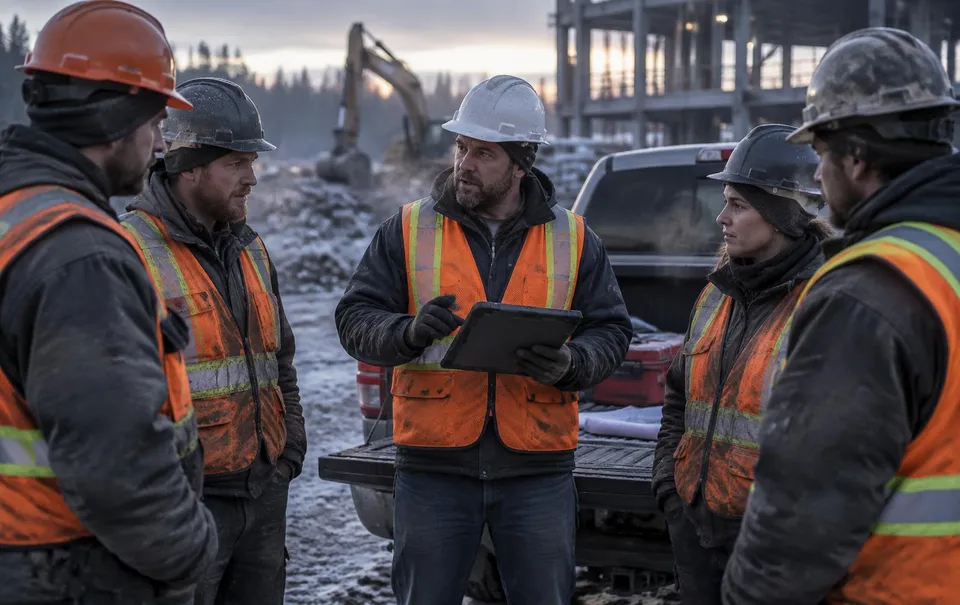
Editing a signed FLHA silently invalidates every signature on it. Revisions copy the current form — crew, tasks, hazards, controls, permits — into a numbered new version, mark the old one superseded and read-only, and re-collect sign-offs so the record matches what the crew actually agreed to.
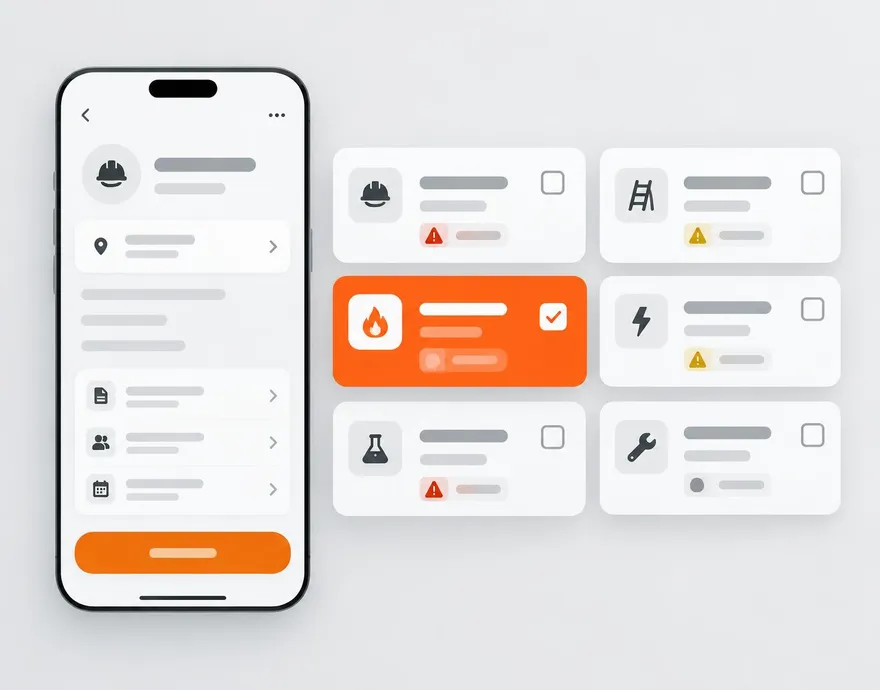
Everything included.
Full revision chain
Every version stays in one chain with its number, status, timestamps, and reason — each openable for the record.
Superseded is read-only
Old links from a QR, email, or task show a banner and point at the version that counts.
Fresh signatures
A revision starts with no signatures. QR sign-in, in-app sign-in, and the daily task all resolve to the active revision.
Reason on the record
The optional revision reason is the field auditors read first — weather turned, new trade arrived, task added.
Flows into the record
PDF email and the audit package use the active revision, with earlier revisions retained.
 WorkSkedge integration
How it connects to your operations platform.
- Creating a revision dispatches fresh sign-in tasks to the crew's WorkSkedge inbox.
- Signing the revision completes those tasks exactly like a first-time sign-in.
See this on your own project.
A 30-minute demo walks through your workflow with your project structure — not a canned tour.