

QR sign-in is only as good as what happens after the scan. The project portal is the front door to a site: project name and address, safety rep, muster point, today's FLHA, public safety documents, and one-tap emergency info.
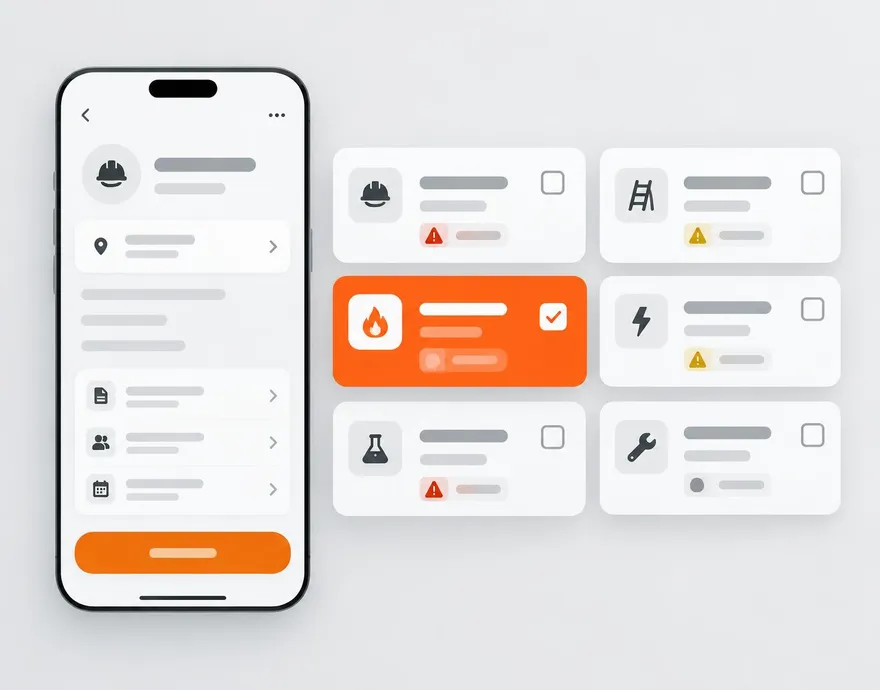
Everything included.
One scan to sign in
Straight into the sign-in flow — company picker, certification check, signature.
Site rules and docs
Read-only access to the documents an admin has flagged public for that site.
Emergency info
Muster point, nearest hospital, and one-tap 911 for anyone standing on the site.
Typed site code fallback
Camera denied or scanner failing? Workers type the short site code instead and land on the same portal.
Company QR card too
A printable company-level card works across every project for shops that want one poster in the truck.
Offline once open
The portal keeps working without signal and syncs when connectivity returns.
 WorkSkedge integration
How it connects to your operations platform.
- The QR encodes the same WorkSkedge project the work order lives on, so the portal hydrates from one record.
- Vendors picking their company at sign-in resolve against the WorkSkedge vendor list.
See this on your own project.
A 30-minute demo walks through your workflow with your project structure — not a canned tour.